
The best mosaic pool ideas are on Pinterest. The water is colored in the shade of blue you like, the mosaic design is lovely underwater, and all materials match. You save the picture, pick the same way for yourself, and hope for the same outcome. However, once you see this concept in the context of your own backyard, some things may not fit, which is why it helps to visualize a pool design in your own space before you commit.
In most cases, the issue is not in the original idea. Pinterest gives you an example of one pool designed under particular conditions: the architecture, dimensions, lighting, water level, landscaping, materials, and even camera perspective. While your pool will have its unique mix of these features, even with the same mosaic colors, the result will be different.
That’s why it’s more useful to visualize a pool design in your own setting instead of trying to recreate somebody else’s photograph. With MEC AI Mosaic Studio, you can explore mosaic colors, patterns, layouts, and overall design directions before moving into professional design and fabrication. If your pool already exists, you can start with a photo. If construction hasn’t started, you can develop the concept from scratch.
Table of Contents
That Pinterest Photo Isn’t Your Pool: Visualize a Pool Design of Your Own
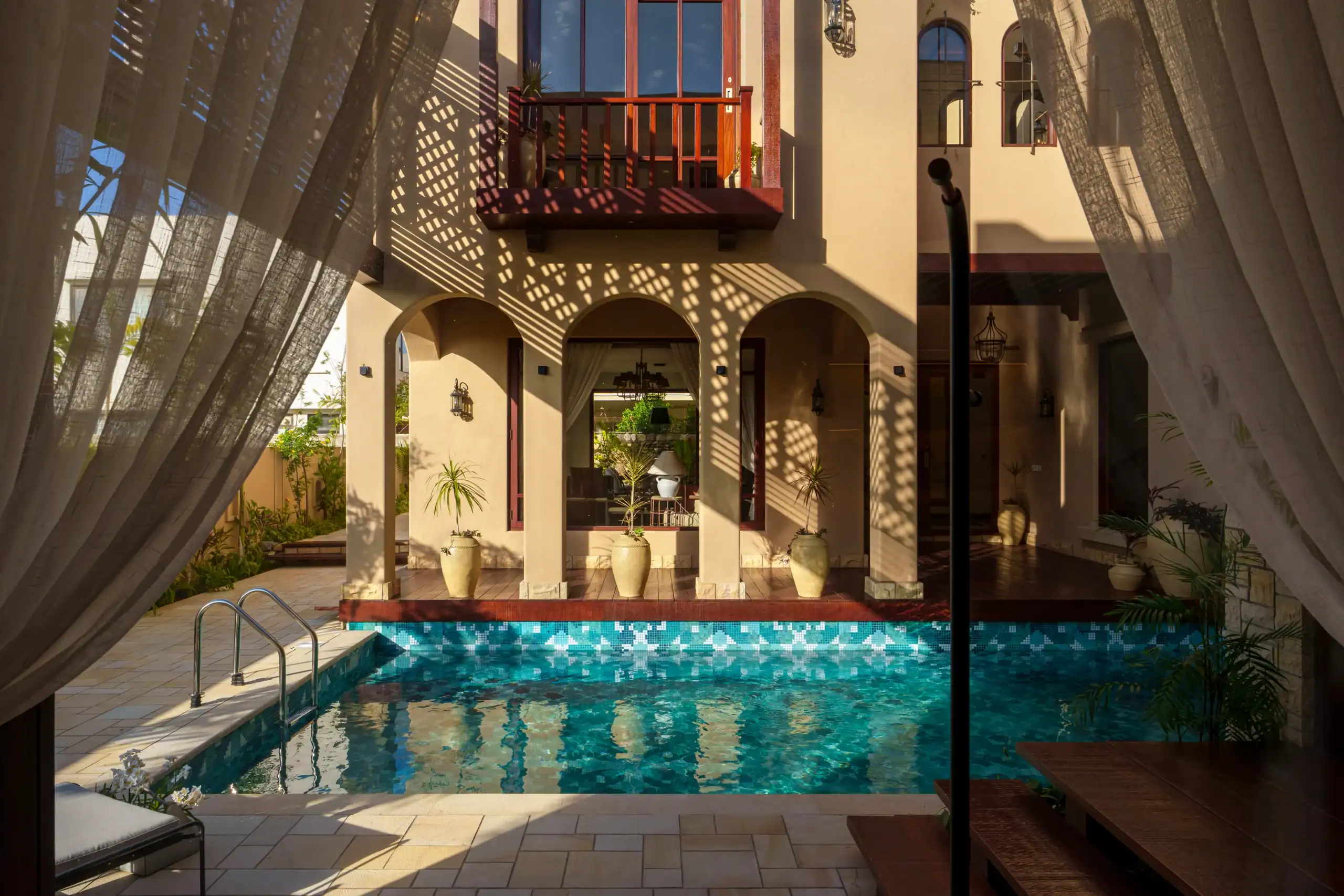
Pinterest can be great for looking up ideas for designing something, but Pinterest is not an automatic visualizer of pools. What you have saved there is only one pool captured by the camera from one angle at one particular point in time. You are usually unaware of the actual size of the pool, its depth, orientation, tiling, grout color, material used, or the lighting conditions.
Designing your own swimming pool creates a totally new set of variables. Something that may look spacious in a big resort pool may not look spacious enough in a small residential pool. Turquoise tiling taken on a bright sunny Mediterranean day may look much cooler when seen in a shaded backyard. Even the material that surrounds the pool changes the way it is viewed in the landscape. Instead of asking how to copy the entire photograph, first identify what you actually like about it. And break down your individual design elements:
- Color palette
- Mosaic style
- Pattern scale
- Tile movement
- Pool floor coverage
- Border treatment
- Visual focal point
- Relationship with the surrounding deck
- Overall atmosphere
Having learned about the elements, one can proceed with adjusting them to one’s particular task. This is a much more appropriate starting point for a situation when one wants to be able to visualize how his pool will look before construction.
For a pre-existing pool, take a good photo that shows as many details of the pool and the surrounding areas as possible. For a new pool project, gather all the relevant information that one has about it, such as architectural plans, approximate dimensions, landscaping, etc. You don’t need every construction detail before you begin exploring the visual direction.
A Few Reasons the Look Never Quite Translates
Before you choose a design based on an inspiration photograph, understand the three variables that cause some of the biggest differences: lighting, pool dimensions, and photography.
The Lighting Was Never Yours to Begin With
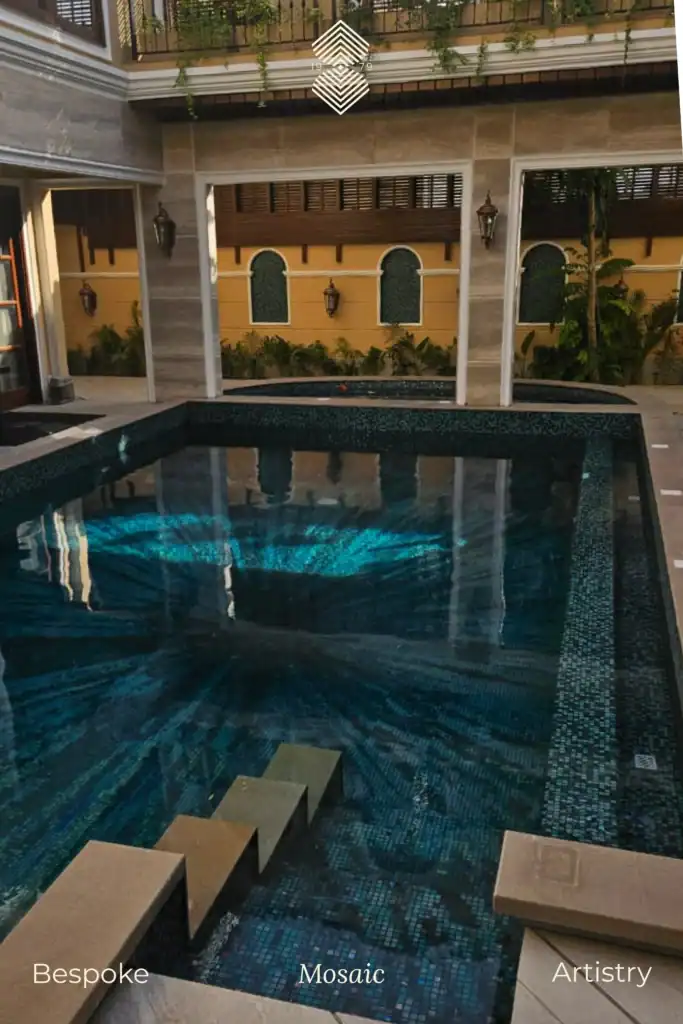
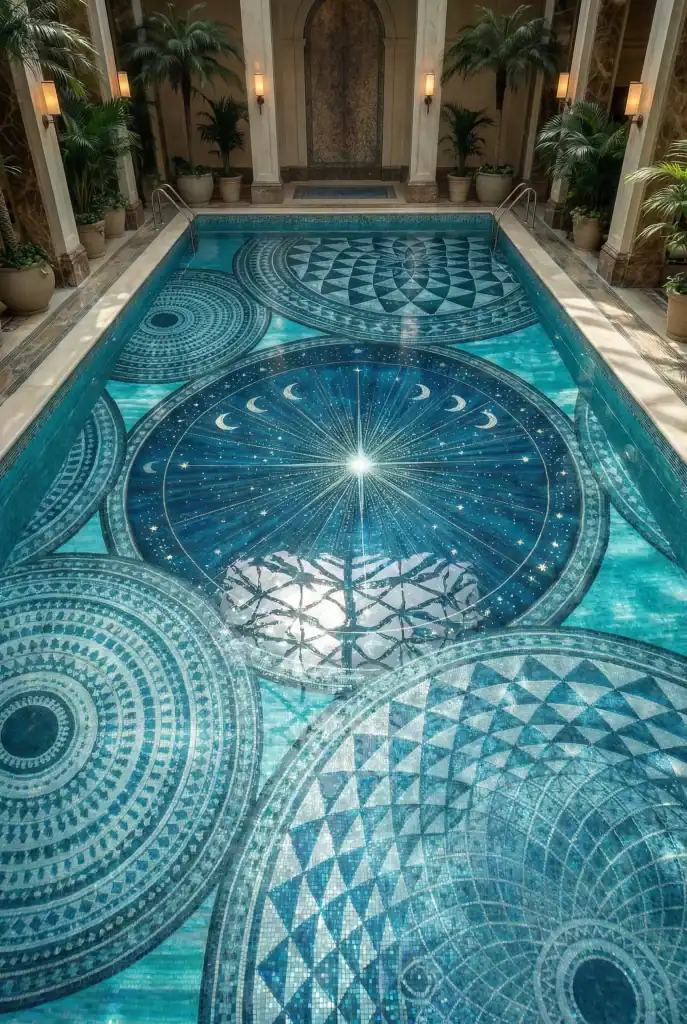
Pool mosaic changes with sunlight, shade, water depth, and surrounding reflections. A turquoise mosaic that looks bright in a sunny Pinterest photo may appear much deeper in your shaded backyard. That’s why it’s useful to see pool tile before installing. A pool visualization tool lets you compare aqua, turquoise, cobalt, and other palettes within your own setting before choosing a direction.
Your Pool Is a Different Shape and Size
A mosaic designed for a large resort pool may feel crowded in a smaller residential pool. Steps, curves, benches, sun shelves, and changing depths can also affect how the artwork fits. When you preview the pool before building, you can check the pattern’s scale and placement before moving into exact dimensions, materials, and tessera details.
A Lot of Those Photos Are Staged or Edited
There is usually excellent lighting, well-selected angles, and photo enhancements in Pinterest pool pictures. The lighting and colors of your own smartphone or computer screen may also be used to create enhanced brightness or saturation of the colors. Rather than copying the same shade of blue, utilize the picture to figure out what you want.
Why It Helps to Visualize a Pool Design Before You Build It
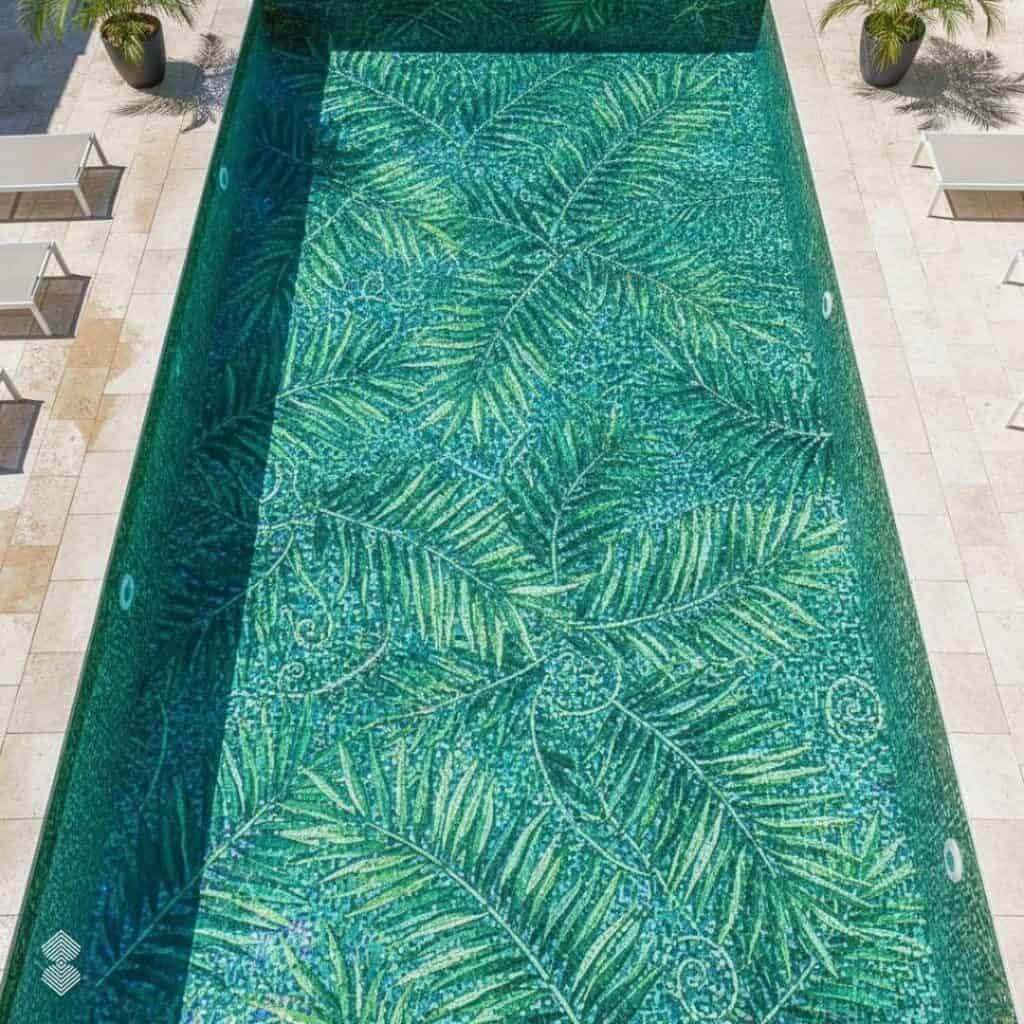
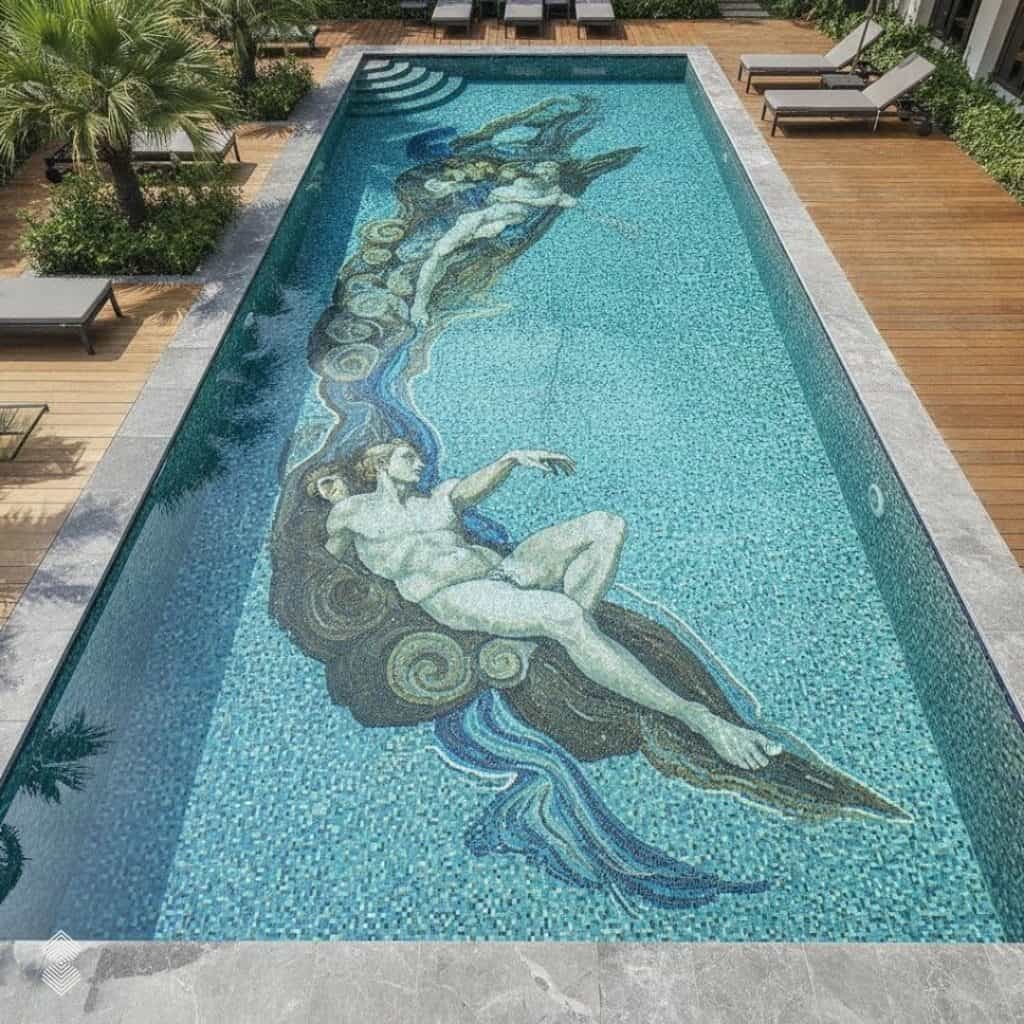
Most costly design mistakes don’t begin with obviously bad decisions. They usually begin with assumptions. You assume a dark blue won’t feel too heavy, a detailed pattern will remain visible underwater, or a turquoise palette will complement the surrounding stone. You only discover the problem once materials are ordered or installation begins.
Learning how to visualize a pool before building it gives you an extra decision-making stage between inspiration and commitment. Instead of jumping directly from a Pinterest board to material selection, you can first explore how different concepts might work within your own pool environment. Think of visualization as a design rehearsal. You aren’t creating the final fabrication drawing. You’re checking whether the idea works before developing it further.
- Test the pattern: See whether a detailed floor mosaic feels balanced or too busy for your pool and surrounding materials.
- Compare colors: Try cobalt, aqua, turquoise, and other combinations before choosing your final palette.
- Check the overall setting: See how the mosaic works with the architecture, paving, landscaping, and pool shape.
- Give clearer feedback: Instead of saying “make it more luxurious,” you can point to specific colors, areas, or patterns that need adjustment.
- Avoid costly changes: An AI tool to preview pool design lets you reject the wrong colors, patterns, and layouts while they’re still digital.
Moreover, visualization helps homeowners, designers, architects, and landscape teams develop a clearer direction before a single tessera is produced.
How MEC AI Mosaic Studio Helps You Visualize Your Own Pool
MEC AI Mosaic Studio helps bridge the gap between inspiration and professional mosaic design. It gives you a way to explore what different mosaic directions could look like before the concept moves into detailed design, material selection, fabrication, and installation.
Start with a Photo of Your Own Pool or Backyard
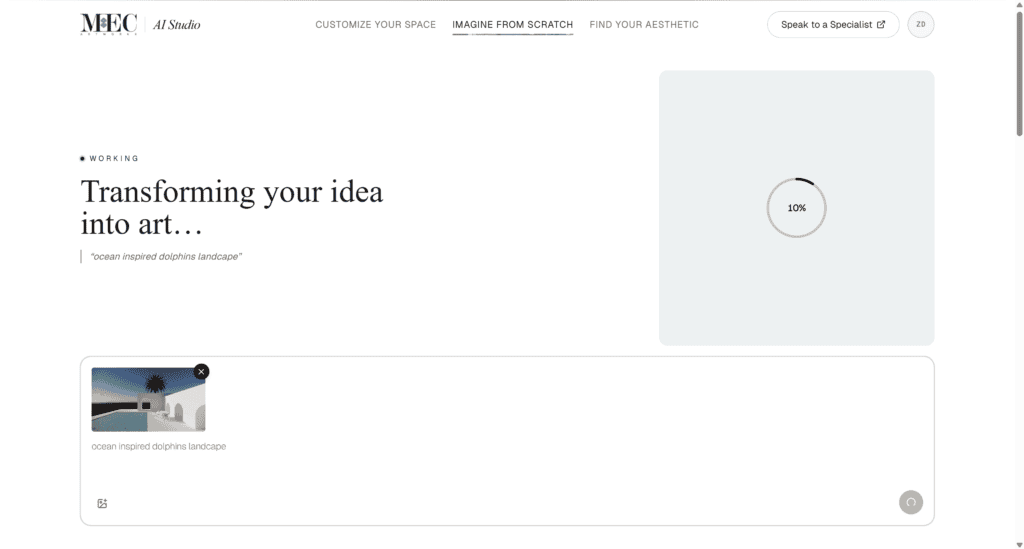
If your pool already exists, start with a clear photo showing as much of the pool and surrounding area as possible. A normal phone photo works well. Just make sure furniture, people, shadows, or landscaping don’t hide important parts of the pool. A useful photo should show:
- Overall pool shape
- Steps and shallow areas
- Surrounding paving
- Nearby architecture and landscaping
- Main viewing direction
Upload the photo to MEC AI Mosaic Studio and select the pool area you want to visualize. Then describe your preferred mosaic clearly. Instead of simply asking for a “blue mosaic pool,” mention the style, colors, pattern, and overall mood you want. Test one change at a time, such as a lighter palette or a different pattern. This makes the pool design visualizer more useful for finding the right direction.
Don’t Have a Pool Yet? Design One from Scratch
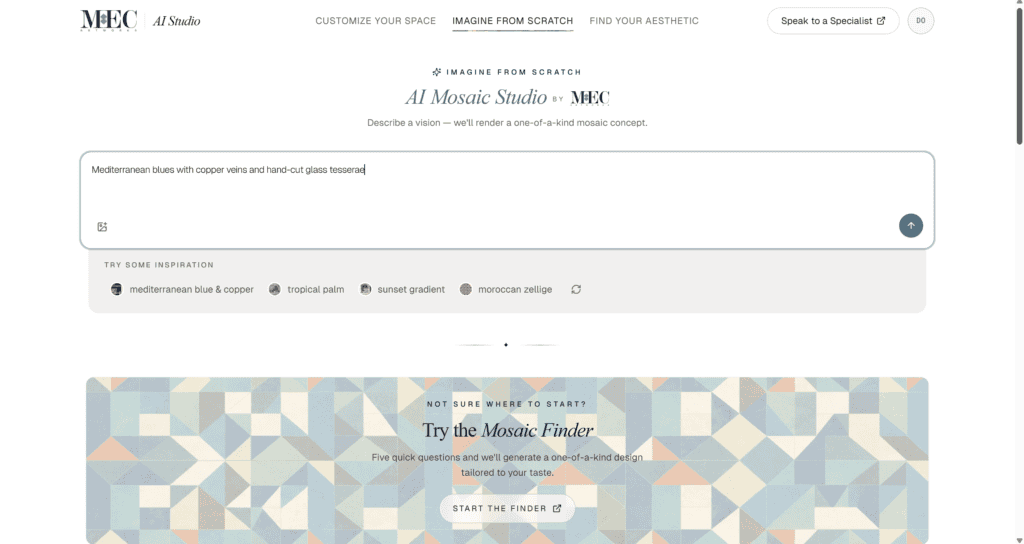
You don’t need a finished pool to start exploring ideas. If you’re still planning the project, MEC AI Mosaic Studio can help you create a pool and mosaic concept from scratch. Start with whatever you know, such as the pool shape, approximate dimensions, architectural style, landscape, or preferred colors. For better results, describe five main details: pool shape, architectural setting, mosaic style, color palette, and desired atmosphere. For example:
“Long rectangular pool beside a contemporary limestone villa with a full-floor glass mosaic in cobalt, turquoise, aqua, and deep blue. Use broad abstract forms inspired by moving water.”
As a tool to see pool design before construction, this gives you an early visual you can share with your designer, architect, or family. Once the pool takes shape and site photos become available, you can create more space-specific visualizations.
See Your Tile, Color, and Layout in Your Own Space
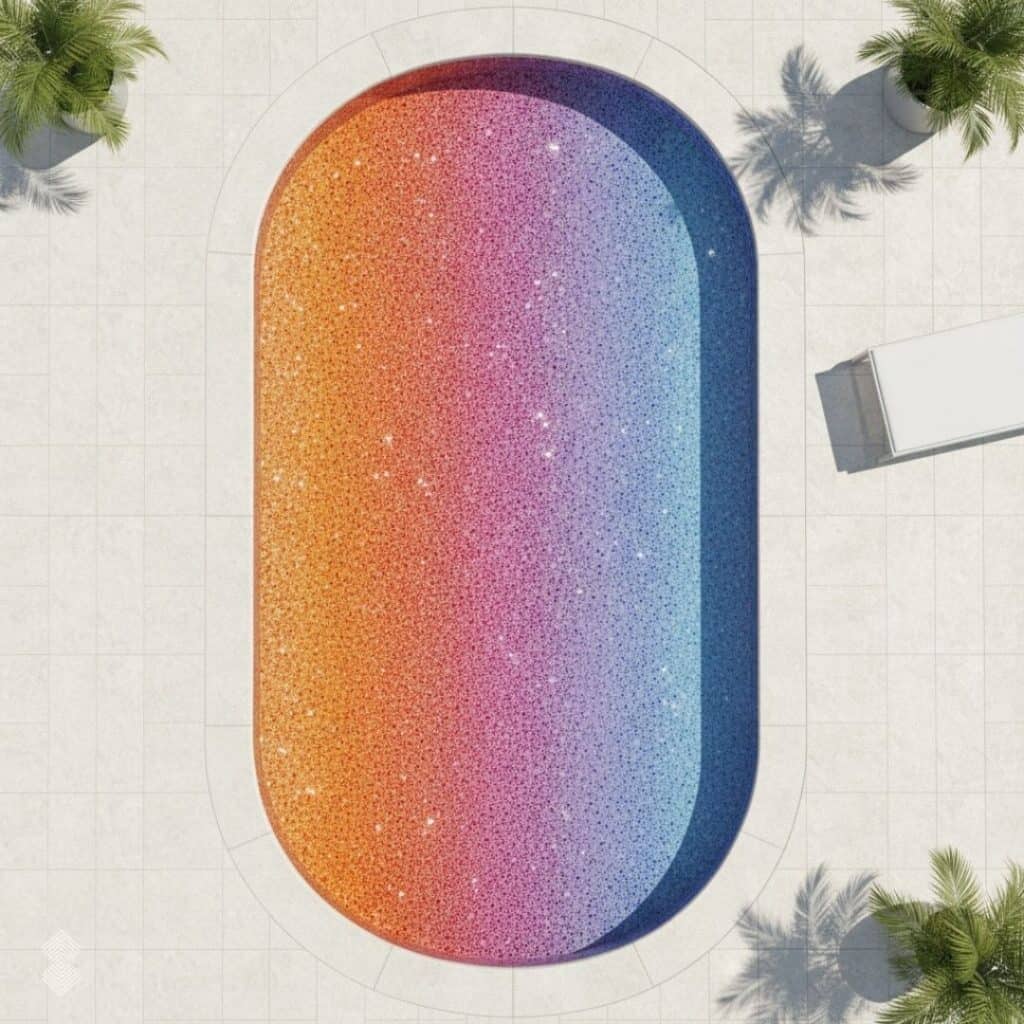
Color can be difficult to judge from a small tile sample. Across an entire pool, the same color can create a very different effect. Use the pool visualization tool to compare several palettes before narrowing your choice.
| Design Direction | Visual Character |
| Pale aqua and white | Light and refreshing |
| Turquoise and cobalt | Bright and classic |
| Navy and deep teal | Dramatic and immersive |
| Aqua, turquoise, and emerald | Tropical and energetic |
| Multiple shades of blue | Calm and layered |
| Blue with contrasting accents | Graphic and defined |
What You Can Actually Test Before Building
A visualization is most useful when you know exactly what you’re testing. Don’t focus on whether every tiny detail looks perfectly realistic. Instead, think of the AI preview as the bridge between your inspiration board and professional mosaic development. It helps answer “Does this idea work?” before the design team needs to answer “How exactly will we build it?”
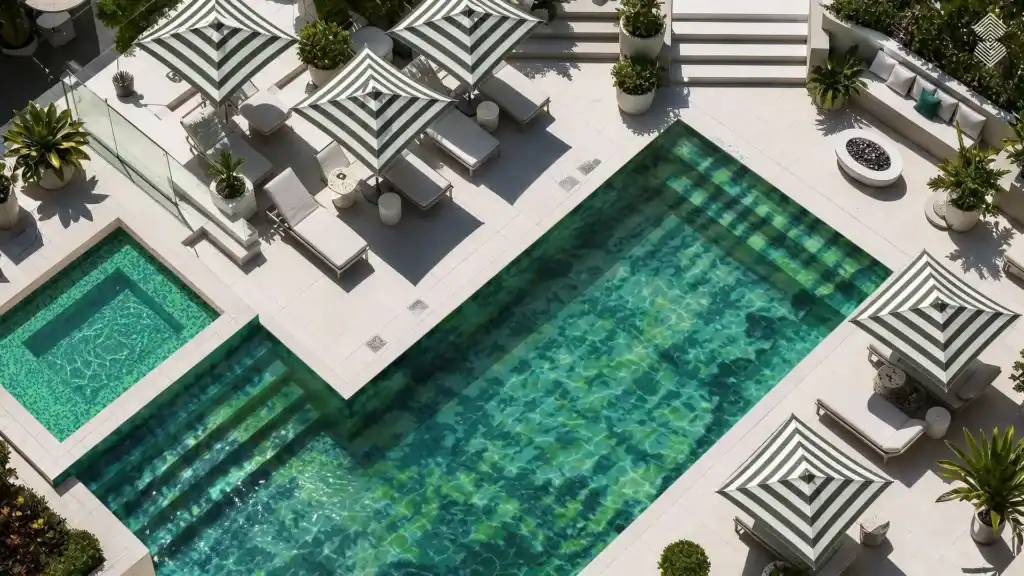
How Color Looks Under Water and Sunlight
Start by choosing the overall color tone you want. Like pale aqua creates a lighter feel, cobalt and turquoise add stronger color, while navy and deep teal create a more immersive look. Also consider the surroundings, since paving, architecture, and landscaping can influence how pool colors appear. Use visualization to narrow the palette, then confirm your choice with actual glass or marble mosaic samples under suitable lighting.
How a Pattern Scales Across Your Pool Size
A pattern that looks detailed up close may lose its impact when spread across a large pool. Use visualization to check how the design reads from important viewpoints, such as the terrace, balcony, or inside the house. When testing the pattern, ask:
- Is the artwork clear from a distance?
- Does the pattern feel too busy?
- Do steps or curves interrupt the design?
- Is the focal point in the right place?
- Does the pattern suit the pool’s size?
The final design must also translate into individual tesserae, so scale, material, color transitions, and andamento should be refined during professional mosaic development.
Comparing a Few Design Directions Side by Side
When there are too many choices, making a choice can become more difficult. Rather than that, use the visualization pool method for comparing and contrasting only two or three directions, for example, an abstract, geometrical pool pattern, or color transition. For instance, using a very detailed and sophisticated resort-style mosaic for a small residential pool would be overcrowded. However, by visualizing it in advance, you will have the opportunity to simplify the pattern, enlarge its shapes, or change the color while preserving the initial idea.
From Visualized Design to a Real, Finished Pool
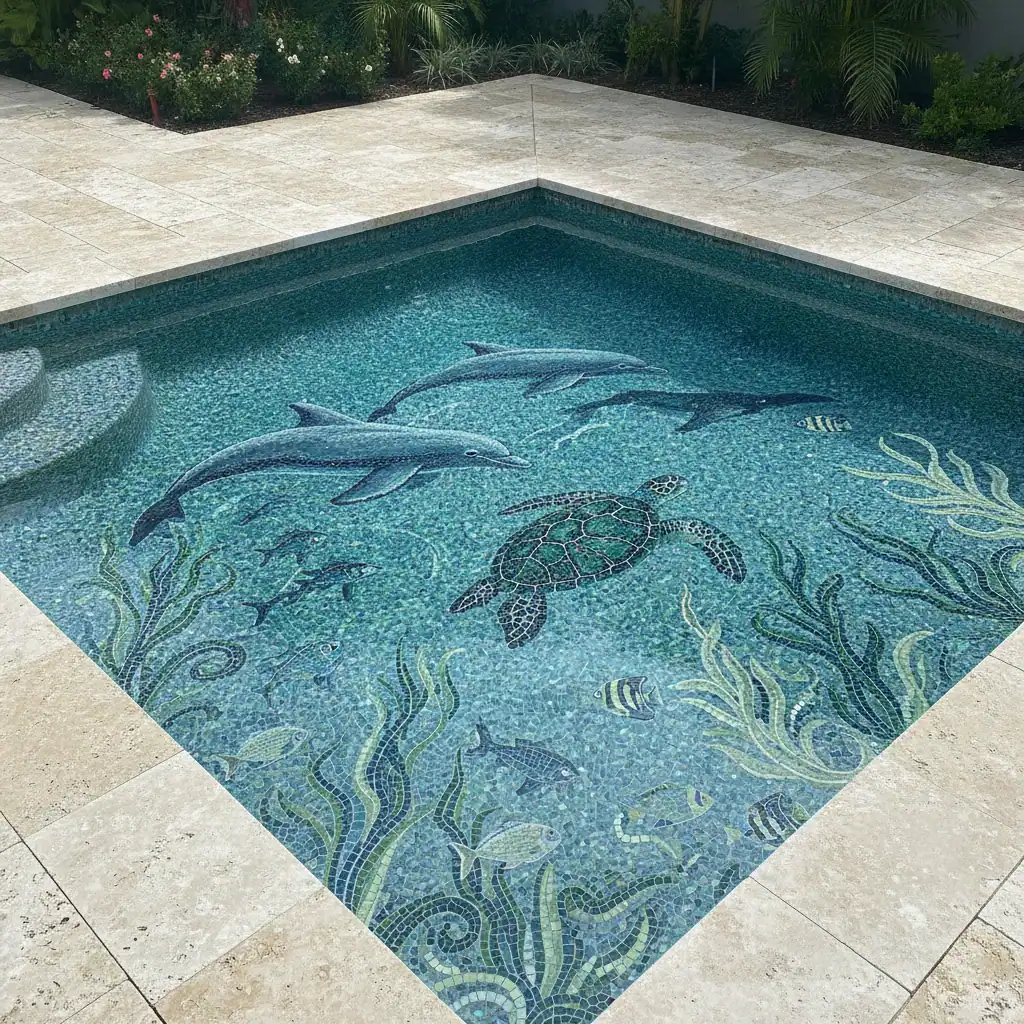
Once you find a visualization you like, the next step is turning it into a mosaic that can actually be produced and installed. An AI image is a concept, not a production file. Exact dimensions, pool shape, materials, tessera size, color transitions, and andamento, and installation requirements still need professional development. A typical process looks like this:
Pinterest Inspiration → AI Visualization → Professional Mosaic Design → Material Selection → Fabrication → Installation
MEC’s designers can adapt the chosen concept to your actual pool mosaic project, translating digital colors and patterns into real glass or marble tesserae. For larger projects, the mosaic is also planned in sections to support accurate fabrication and installation. Therefore, the AI image must be considered a beginning of the design process, and not the final document for production.
Final Thoughts: Visualize a Pool Design Before You Commit
The Pinterest pool could be a perfect way to start, but your pool is unique and differs in lighting, architecture, and surroundings from anyone else. So instead of following the example of other people’s pools, imagine your pool in your head. Using MEC AI Mosaic Studio, you can try various color combinations, patterns, and mosaic directions without making any final design decision yet. When you find an interesting concept, it will be developed by professional designers and artisans who create a mosaic tailored to your pool. Start with inspiration. Visualize it in your space. Then turn it into a pool that’s truly yours.
FAQs
How can I visualize a pool design before it’s actually built?
If you’re exploring how to visualize a pool before building it, start with your plans, dimensions, pool shape, material ideas, or inspiration images. Use MEC AI Mosaic Studio to turn these details into an initial visual concept. Once you find a direction you like, it can guide the professional mosaic design process.
Can I upload a Pinterest photo and try the same look on my own pool?
Use the Pinterest photograph as a design reference rather than trying to duplicate it exactly. Identify the features you like, such as its palette, pattern, mosaic movement, or overall mood. Then apply those characteristics when visualizing your own pool. If your pool already exists, upload a clear photograph of your actual space into the pool design visualizer.
What if I don’t have a pool yet, just inspiration photos?
You can still begin. Look through your inspiration photographs and identify recurring preferences. You may notice that you repeatedly save deep cobalt pools, abstract mosaic floors, geometric patterns, or pale aqua designs. Use those observations to build a detailed description in MEC AI Mosaic Studio’s Imagine From Scratch feature. As your project develops, add dimensions, plans, material choices, and eventually photographs of the actual site. The visualization can become more specific as more project information becomes available.
How accurate is the visualization compared to the real, finished pool?
An AI visualization is a design preview, not an exact picture of the finished pool. Water depth, lighting, reflections, grout, and real mosaic materials can change the final appearance. Use visualization to narrow your design direction, then confirm it with physical samples and professional mosaic planning. This gives you a better way to see pool tile before installing and make confident design decisions.