
A custom mosaic often begins with a feeling rather than a finished drawing. You may picture deep Mediterranean blues, thin copper veins, or a botanical scene that wraps across a bathroom wall. The idea feels clear in your mind. Explaining it to someone else is the hard part.
Traditional design software doesn’t always help. Many mosaic programs turn photographs into square grids. Others expect you to understand technical drawing tools before you can create anything meaningful. That approach works for basic patterns, but it can limit more artistic projects.
But the MEC AI Mosaic Studio takes a simpler route. Its Imagine From Scratch feature works as a free AI tool for custom mosaic design, letting you describe a vision in everyday words. The AI system then generates an original mosaic concept inspired by your colors, subject, mood, and material preferences. You don’t need to draw. You don’t need CAD experience. You don’t even need a photo of your room to begin.
Table of Contents
| “ The AI concept isn’t the final mosaic. It is the first clear picture of what the final mosaic could become.” – MEC Artwork AI Design Team Try the MEC AI Mosaic Studio for Free |
Why 2026 Is the Year AI Changed Bespoke Mosaic Planning
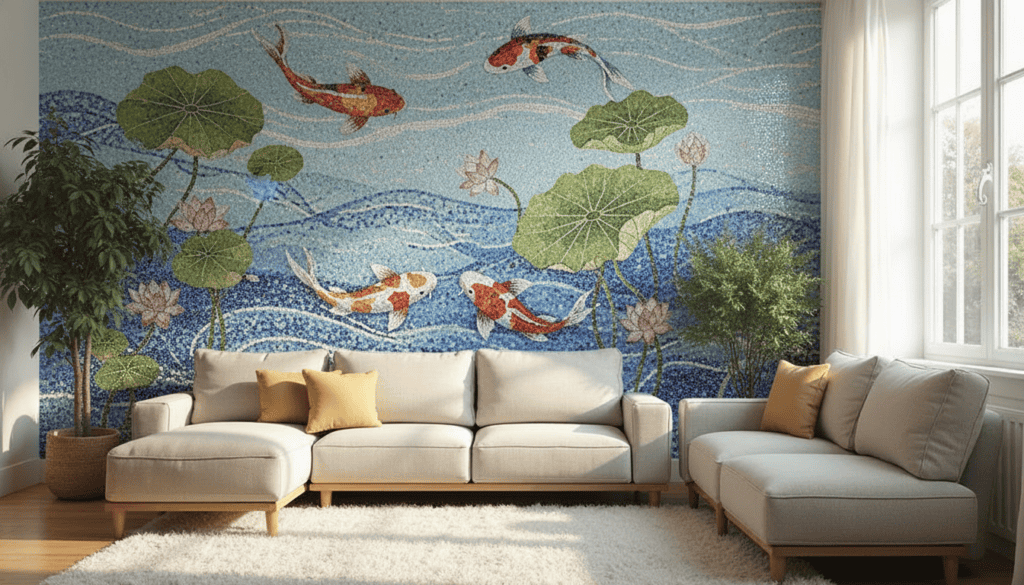
Planning a bespoke mosaic artwork and installation once started with a long chain of references and drawings. A homeowner might save ten photographs from different projects. An interior designer might create a mood board. An architect could sketch a rough wall elevation. The mosaic studio would then interpret those materials and prepare a visual concept.
That process still has value. Human discussion remains essential when a mosaic artful project moves toward materials, scale, fabrication, and installation. However, AI now makes the uncertain opening stage much faster. Instead of trying to explain an abstract idea through scattered references, you can type something like: “A flowing Mediterranean mosaic in cobalt, turquoise, and pearl white, with fine copper-colored veins and hand-cut glass character.”
Within a short time, the AI system can turn that sentence into a visible direction. You may love it. You may dislike half of it. Either result helps. A weak result can reveal that your palette feels too dark. A promising result may show that the composition needs more open space. One version might suit a pool while another belongs on a tall lobby wall. That’s why generative AI art tools have become useful during planning. It supports quick visual thinking before expensive decisions begin.
Moreover, that makes the platform a strong candidate for the best free AI tool for custom mosaic design when your main goal is early creative exploration. It helps turn an unfinished thought into something you can see, compare, refine, download, and discuss with a mosaic specialist.
From Static Grid Generators to Generative Material Intelligence
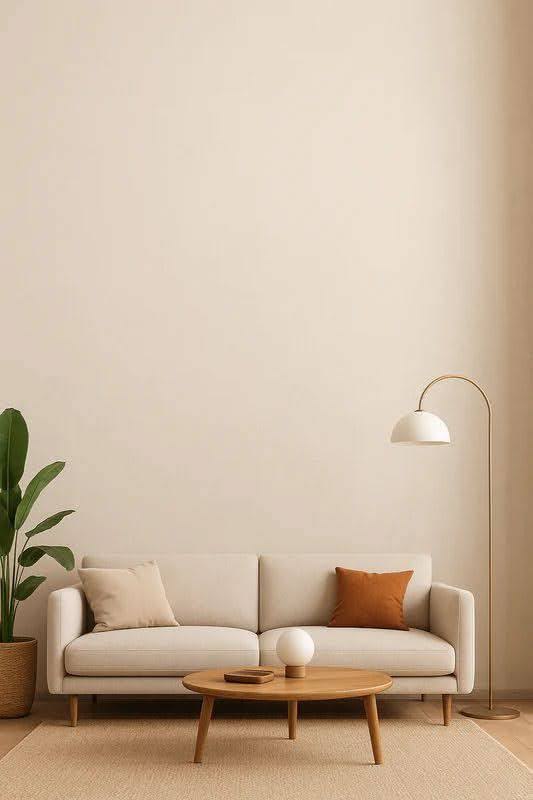
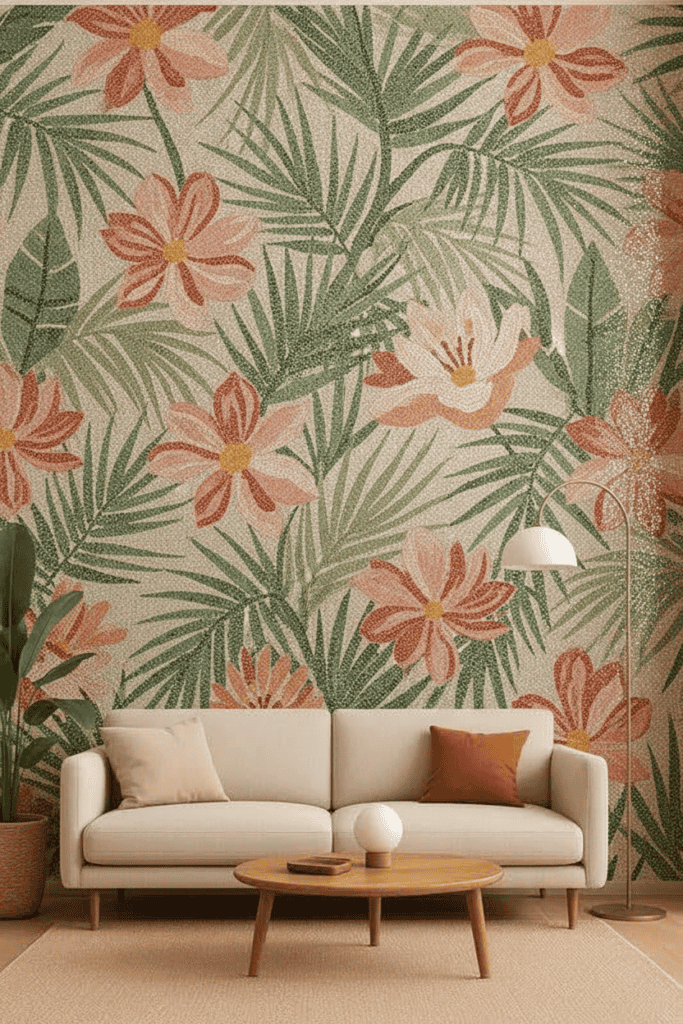
Older digital mosaic tools usually follow a conversion model. You upload an image. The software reduces its resolution, divides it into cells, and assigns colors to those cells. The output resembles a pixelated photograph made from repeated square tiles. This process can help with simple hobby mosaics or basic photographic conversions. However, it doesn’t necessarily create a strong architectural composition.
A grid converter usually asks:
- How many rows should the image have?
- How many columns should it contain?
- Which color should match each cell?
- How much image detail should it keep?
A generative design tool asks something more creative:
- What atmosphere should the artwork create?
- How should the lines move?
- Which colors should dominate?
- Should the composition feel botanical, geometric, coastal, or abstract?
- What visual character should the material suggest?
- Should the design feel calm, ceremonial, playful, or dramatic?
That shift matters. The free AI text-to-mosaic generator approach doesn’t simply shrink an existing picture into blocks. It interprets the meaning of your written idea and creates a new concept.
Bridging Digital Art and Hand-Cut Reality
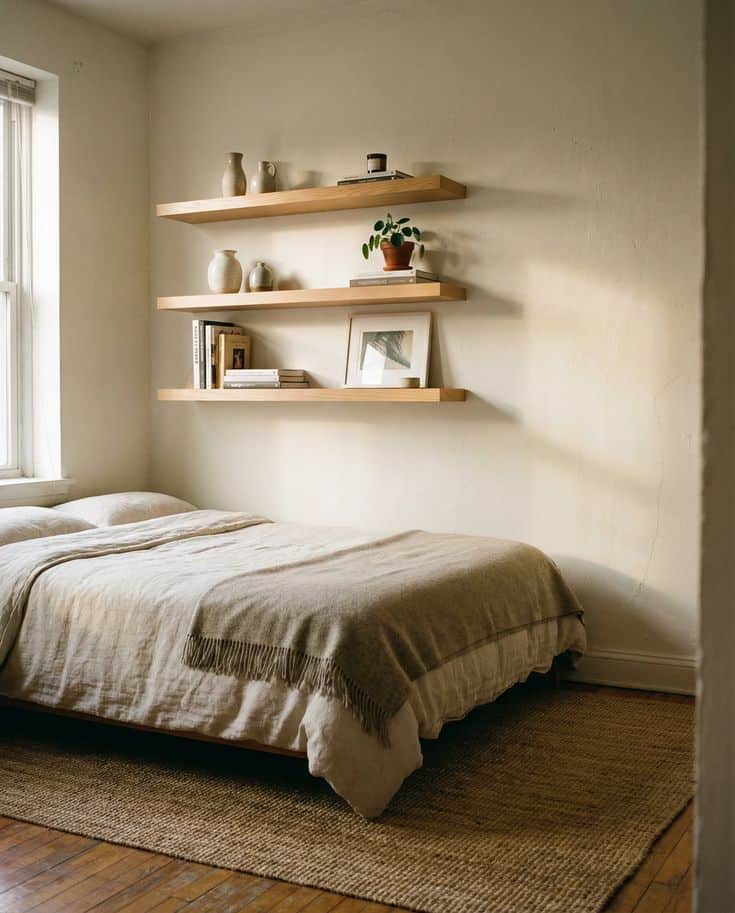
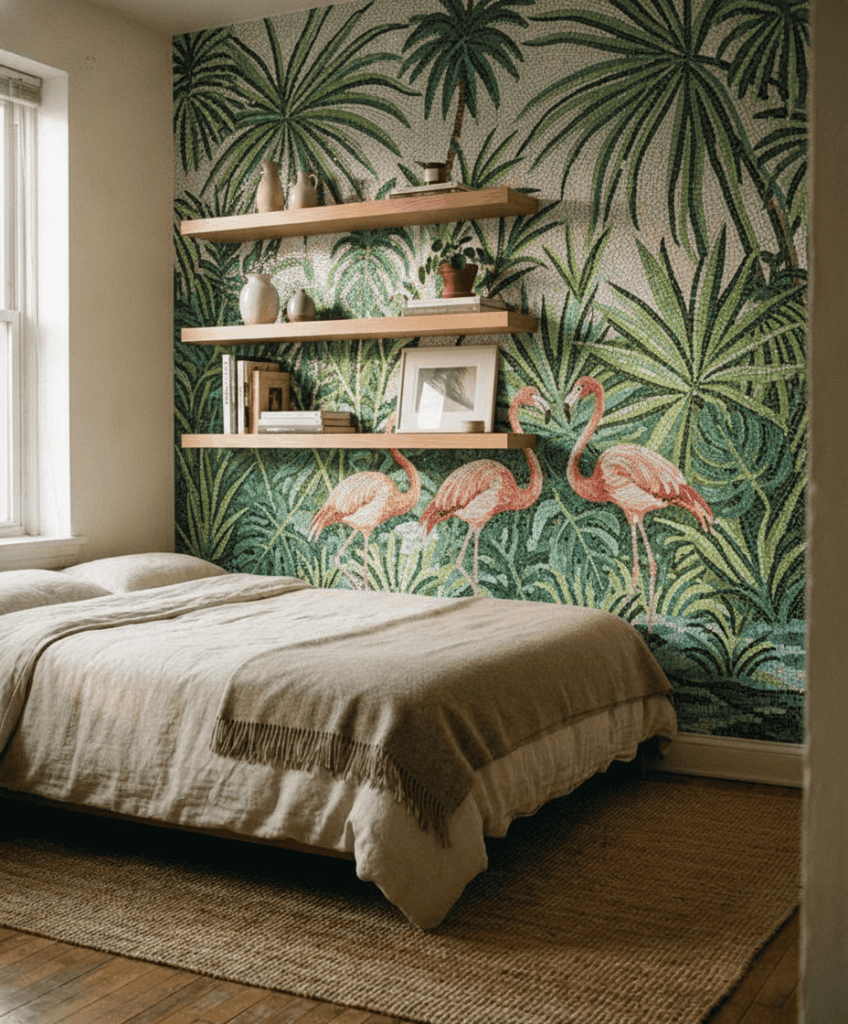
Digital artwork and physical mosaic aren’t the same thing. A screen can show color, movement, and composition. It can suggest glass reflection, marble veining, or metallic highlights. Yet it can’t fully reproduce how a real tessera catches daylight or how a polished stone edge feels under your hand.
That doesn’t reduce the value of AI. It simply defines its role. For example: A homeowner can point to a specific color transition instead of saying, “I want something blue but not too blue.” An architect can discuss the composition in relation to the wall dimensions.
A mosaic artist can identify which areas need larger tesserae, stronger outlines, softer gradients, or a different material. Our MEC’s published process and portfolio emphasize handcrafted mosaics for residential, commercial, and hospitality settings. We also describe our AI Studio as a way to render design directions before moving toward real fabrication. Basically, AI shortens the path from imagination to conversation. It doesn’t replace the hands that eventually build the work.
Why Image From Scratch Makes MEC AI Studio a Leading Free Mosaic Tool in 2026
The platform works because it supports multiple stages of planning. The Imagine From Scratch module creates the initial artwork. The room customization module helps place a concept within architecture. Additionally, guided inspiration tools support users who haven’t chosen a style yet. Together, these features create a more complete journey than a simple image converter.
Feature 1: The “Imagine From Scratch” Prompt Engine
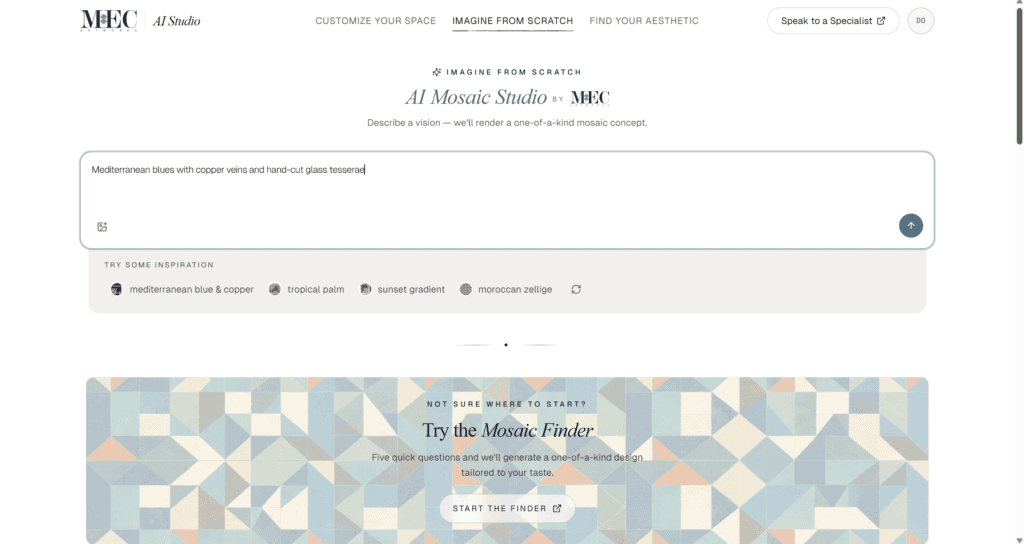
This is the main feature explored in this guide. And the interface begins with a large prompt field and a clear instruction: describe a vision, and the tool will render a one-of-a-kind mosaic concept.
There’s no complicated setup page. You can start with simple words. That makes it approachable for people who don’t normally use design software. It also makes the tool useful during a creative block. When you know the mood but haven’t found the composition, the prompt becomes your starting line. You can describe:
- A subject
- A color palette
- An artistic movement
- A landscape
- A material appearance
- A custom room design
- A sense of movement
- A cultural reference
- A desired mood
For instance: “A dramatic Art Deco sunburst in emerald, black, and warm gold for a hotel reception wall.”
Or: “Soft ivory magnolia flowers with pale green leaves, flowing across a calm bedroom feature wall.”
Or even you can use “An abstract mosaic design in sand, rust, amber, and deep blue with hand-cut marble character.”
Each prompt gives the engine a different design vocabulary. Moreover, the best AI prompt for mosaic design is: Subject + style + colors + material character + intended surface
Feature 2: High-Resolution Texture Simulation for Marble, Glass, and Gold Leaf
A mosaic concept needs more than outlines and color blocks. As mosaic tile material appearance changes, the entire mood. Marble can feel quiet, weighty, and architectural. Gold details can create warmth and visual rhythm. Glass may look luminous and fluid. Mixed carefully, these materials give a composition depth.
Our MEC AI Studio can visually interpret material-focused language in a prompt. Based on the shown workflow, phrases such as “hand-cut glass tesserae,” “copper veins,” or “Mediterranean blues” influence the rendered concept.
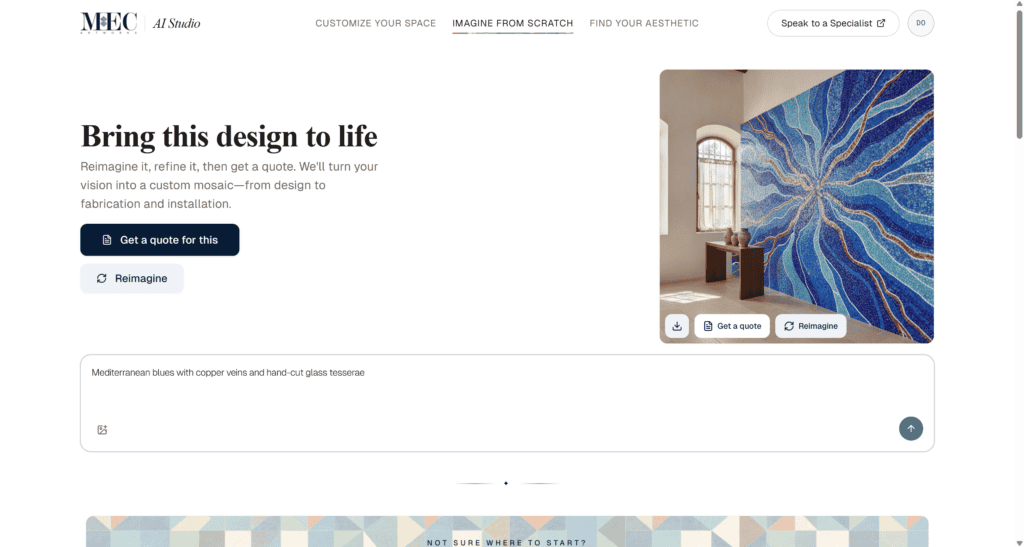
You might use terms such as:
- Polished marble
- Tumbled natural stone
- Transparent glass
- Iridescent glass
- Murano-style color
- Metallic accents
- Gold-leaf details
- Pearl-like tesserae
- Matte stone background
- Jewel-toned glass
- Fine hand-cut pieces
- Large stone fragments
These words won’t select a final physical product automatically. They guide the visual impression.
Feature 3: Surface-Aware Room Placement
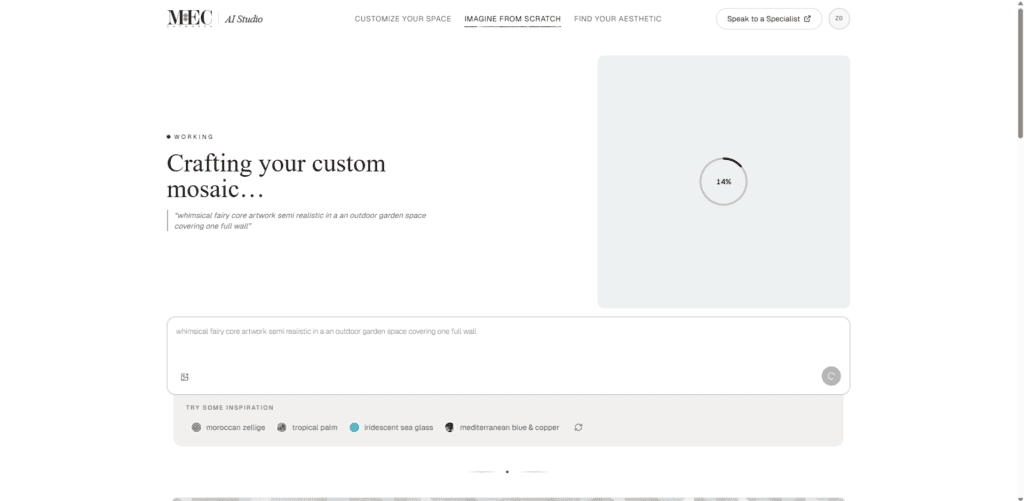
Imagine From Scratch creates the concept itself. The Customize Your Space tool answers the next question:
How might this idea look inside an actual room?
Users can upload a photograph and select an intended surface. The current interface includes options for:
- Auto-detect
- Backsplash
- Accent wall
- Floor medallion
- Pool
- Entryway
The tool supports JPEG, PNG, and WebP image uploads up to 10 MB. It also states that uploaded photos are used for the preview and aren’t stored. That second stage matters because a standalone artwork can look impressive while still feeling wrong in the intended space. A pattern may be too dense for a narrow backsplash. A soft mural could disappear on a vast hotel wall. Deep colors may overwhelm a small powder room. A room preview helps you judge:
- Approximate visual scale
- Color balance
- Focal placement
- Relationship to furniture
- Interaction with cabinetry
- Coverage area
- Overall room mood
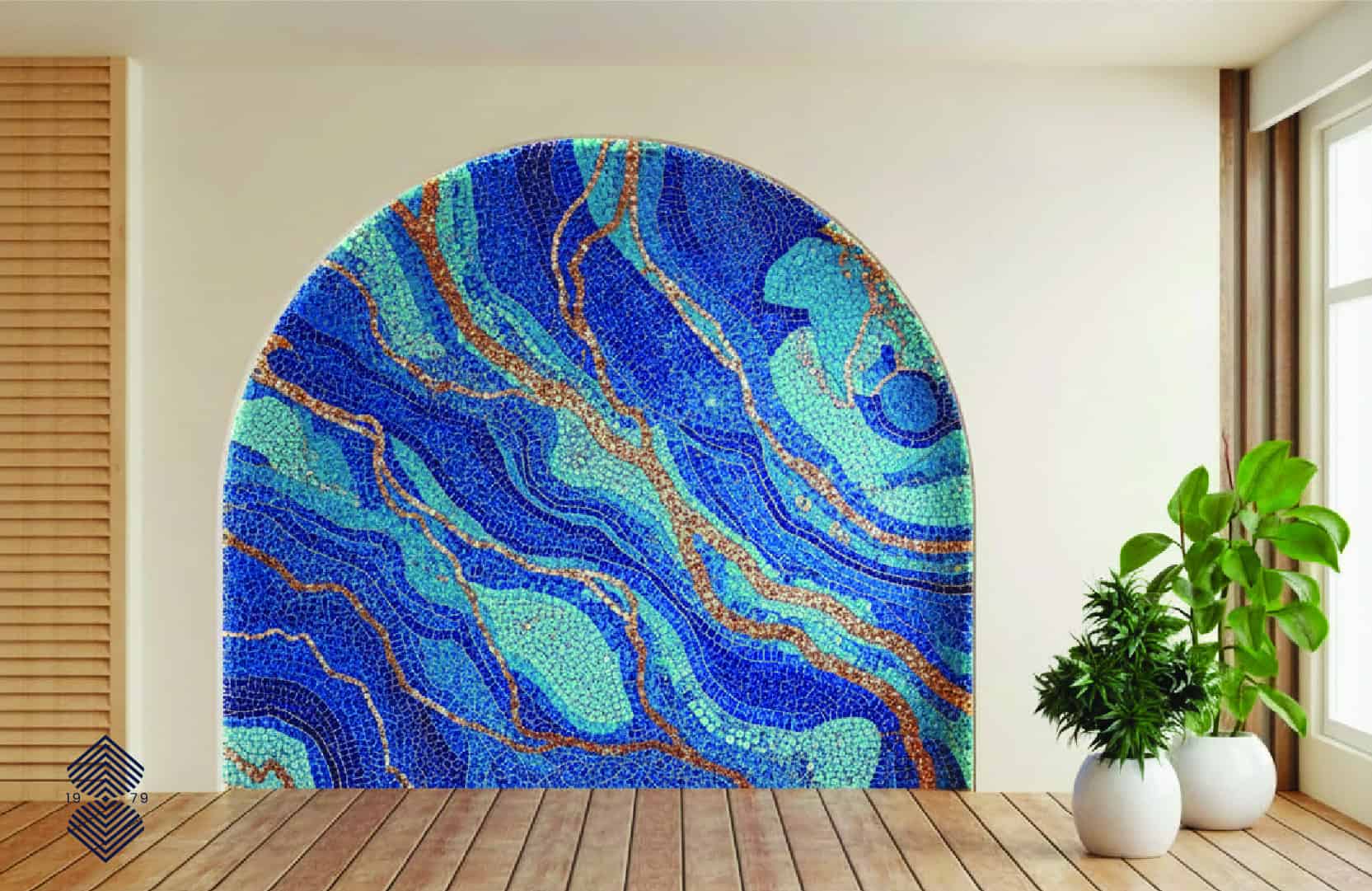
This is where the instant digital mosaic visualization becomes more architectural. You aren’t only choosing an image. You’re testing how that image participates in a space.
How to Create Your First Custom Mosaic for Free
You don’t need a detailed creative brief before opening the tool. One clear idea is enough. The following process helps you move from a loose thought to a useful concept without overcomplicating the experience.
Step 1: Input Your Creative Concept or Design Style
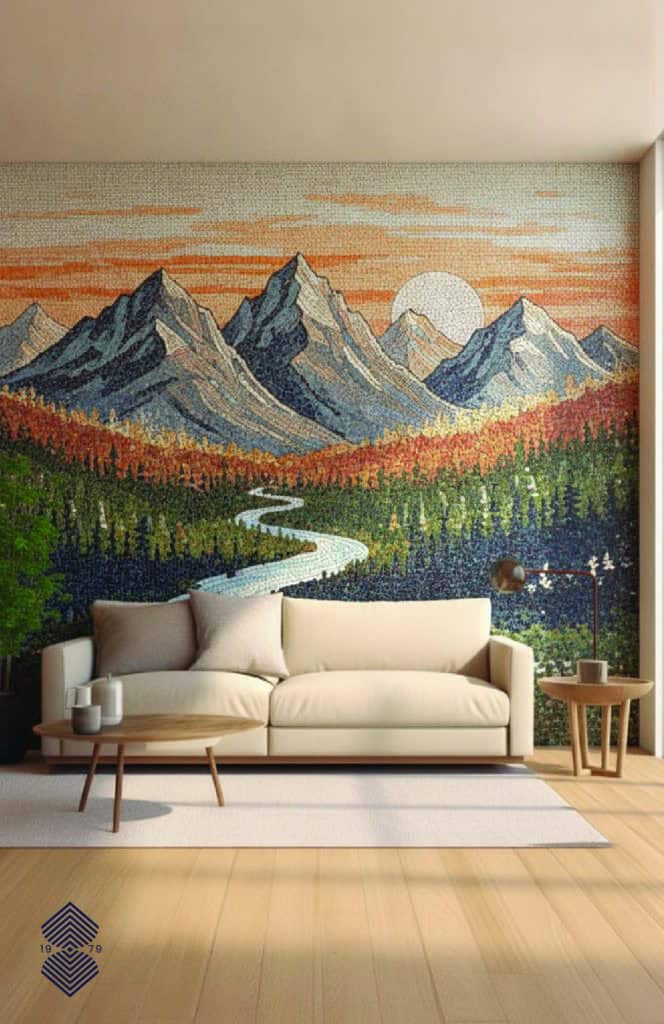
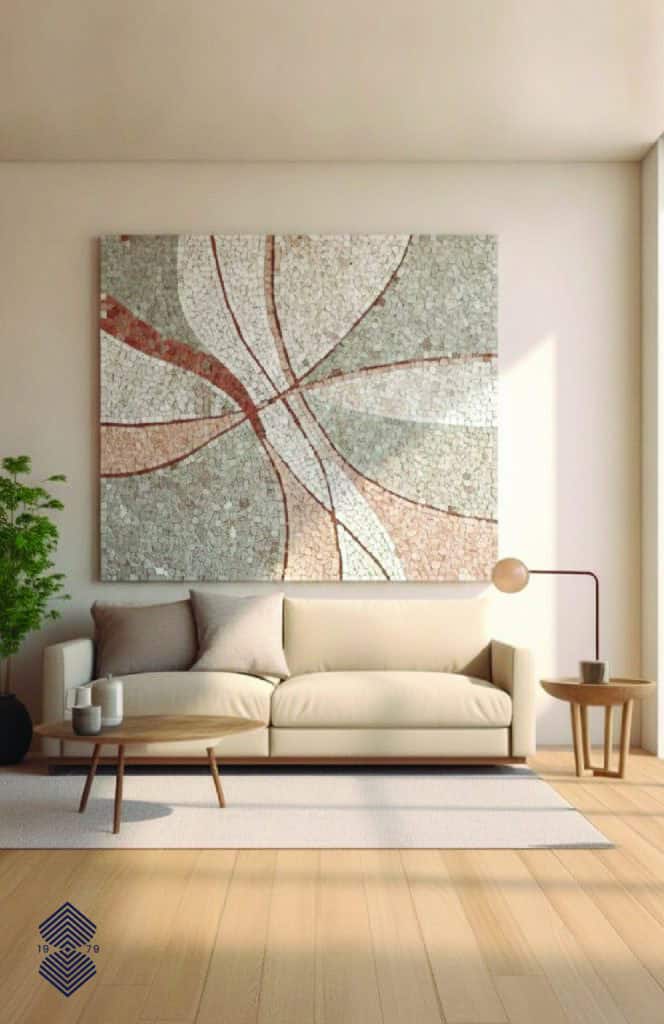
Open the Imagine From Scratch module. Click inside the prompt field and describe what you want the artwork to feel like. Don’t worry about writing perfect sentences. The tool needs visual direction rather than polished prose. A good first prompt could be: “A blue abstract mosaic inspired by the Mediterranean Sea.”
That’s enough to begin. However, you can improve it by adding a few details: “A flowing abstract mosaic inspired by the Mediterranean Sea, using cobalt, turquoise, white, and fine copper-colored veins with hand-cut glass character.”
Now the tool knows:
- The composition should be abstract
- The movement should flow
- The sea life provides inspiration
- Blue tones should dominate
- Copper lines should add contrast
- Glass should influence the texture
Step 2: Fine-Tune the Design With Variations
The first result is a draft, not a verdict. Once the design appears, look at it for a few moments before changing anything. Ask:
- Does the palette feel right?
- Is the movement too busy?
- Does the design have a clear focal point?
- Are the material effects believable enough for concept planning?
- Does the subject feel appropriate for the intended setting?
- Should the composition become more geometric or more organic?
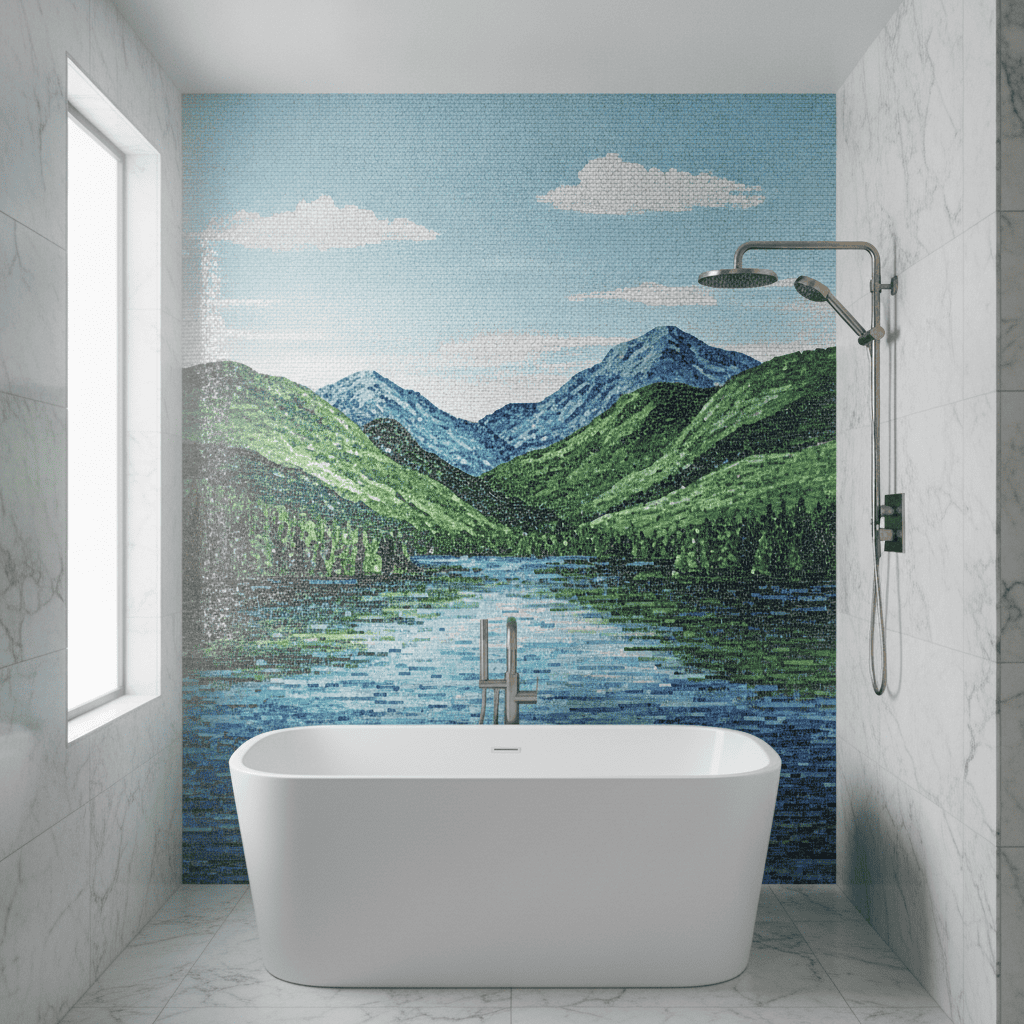
The result screen includes a Reimagine option. This lets you explore another version of the idea without treating the first concept as final. And in this way you can get what you actually imagined.
Step 3: Preview the Mosaic on a Wall, Floor, or Pool Surface
After generating a concept, you can test a related direction in the Customize Your Space module. Upload a clear photograph of the intended setting. Then choose the surface that best matches your project. You can use it for:
Comparing Traditional Grid Software With Generative Mosaic AI
Traditional mosaic software still serves a purpose. It can help calculate grid placement or convert simple artwork into repeated tile cells. Some artisans may use technical programs later in the process for measurements and mapping.
However, that isn’t the same as generating a bespoke concept.
| Traditional Grid Mosaic Software | Generative mosaic AI Tool |
| Converts an existing image | Creates a new concept from words |
| Uses fixed square cells | Explores organic and geometric compositions |
| Often produces pixelated previews | Produces richer visual renderings |
| Focuses on tile placement | Focuses on creative direction |
| Manual changes may take time | Variations can be generated quickly |
| Offers limited stylistic interpretation | Responds to mood, material, and style language |
| May require software experience | Uses everyday language |
The End of Pixelated, Low-Resolution Concept Previews
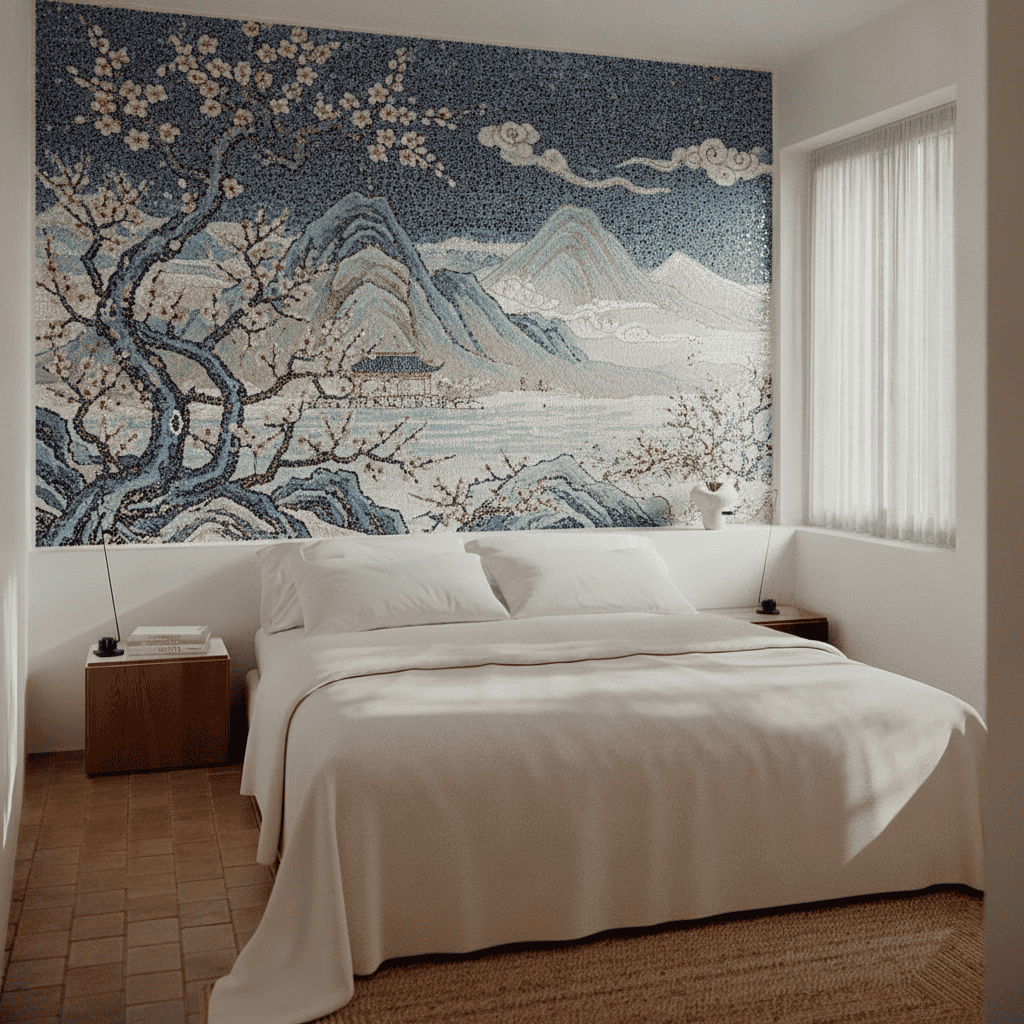
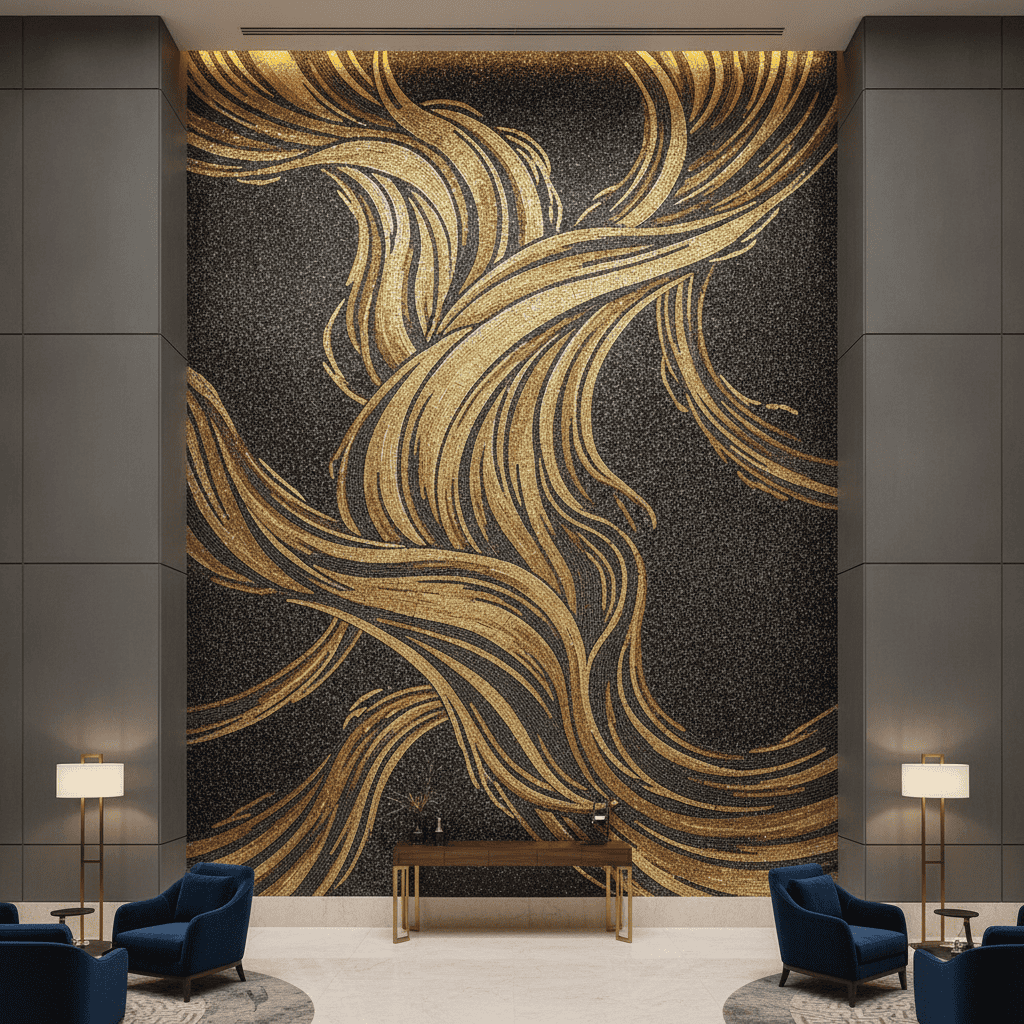
Pixelated layouts often force detailed artwork into rigid square cells too early. That can flatten curves, reduce facial detail, and make natural subjects feel mechanical. Soft gradients become abrupt color jumps. Flowing lines turn into stair-step edges. Mosaics do use individual pieces. However, handcrafted work doesn’t always behave like a computer pixel grid. Artisans can:
- Rotate tesserae
- Change their size
- Follow a curve
- Create directional flow
- Use irregular shapes
- Mix materials
- Vary spacing
- Build soft color transitions
- Strengthen outlines where needed
A good AI concept can suggest this sense of movement before anyone creates a production map. For instance, a wave doesn’t need to become rows of blue squares. It can appear as streams of differently shaped pieces that follow the water.
A flower petal can use tapered cuts. A face can use small tesserae around the eyes and larger pieces in quieter background areas. That flexibility helps generative concepts feel closer to artistic mosaics than basic photo grids. However, the render still can’t dictate every cut. A mosaic specialist must translate the image into a buildable system.
Final Thought: Turn a Free Digital Concept Into a Handcrafted Mosaic
A custom mosaic doesn’t need to begin with a finished sketch. It can start with a sentence. The Imagine From Scratch module gives that sentence a visible form. You describe a landscape, palette, material, mood, or decorative style. The AI then creates a concept you can review and reimagine.
From there, you can save promising versions and test related ideas inside a real space. You can also share the preferred concept with a specialist to discuss scale, materials, fabrication, and installation. Just describe your idea and generate an original mosaic concept through the Imagine From Scratch tool.
FAQs
Is the MEC AI Mosaic Studio entirely free to use for custom layouts?
The current access flow provides five free high-resolution mosaic previews after email verification. Users receive a six-digit one-time code and don’t need to create a password. That free access supports early concept exploration. A real handcrafted mosaic tile art project, professional design development, material selection, fabrication, shipping, and installation would involve separate costs. The AI preview should therefore be understood as a free creative starting point rather than free physical mosaic production.
Do I need design or architecture skills to use this AI mosaic tool?
No specialist software knowledge is needed for the basic workflow. You describe your idea in everyday language. The prompt can be as simple as: “A green botanical mosaic for a bathroom wall.” Adding details about color, style, mood, and material character can improve the direction, but you don’t need formal design vocabulary. Architects and designers may write more structured prompts. Homeowners can use simple descriptions. Both approaches work.
Can I download or save mosaic concepts generated through the free AI tool version?
The result interface shown for Imagine From Scratch includes a download control beside the generated concept. Saving your preferred images helps you compare options or share the direction during a professional consultation. Treat the downloaded image as a concept reference. It isn’t automatically a fabrication file, shop drawing, or installation plan.
How does the AI tool simulate marble, glass, and gold?
The AI interprets descriptive language associated with each material. For example: Polished marble may create veining and solid stone character; iridescent glass may introduce luminous color shifts; and Hand-cut glass may suggest smaller, directional pieces. The output visually represents those qualities. It doesn’t sample or certify an exact physical product.
Can the free AI layout be used directly by artisans to fabricate a real mosaic?
Not directly. The generated image can provide strong artistic direction, but artisans still need a production-ready design. That process may include: confirming dimensions, scaling the artwork, choosing tessera sizes and materials, mapping sections, preparing numbered panels, and coordinating installation. Some AI details may also need adjustment because a visually attractive digital effect isn’t always practical in stone or glass.